
Download Ashampoo Photo Commander 18 – photo editor, photo organizer, photo management, photo enhancement, photo restoration, batch editing, collage maker, slideshow maker, image organizer, photo tool, photo utility, image editing, photo software, photo utility, photo editing tool
Overview
Ashampoo Photo Commander 18 is a comprehensive photo management and editing solution designed for users who seek to organize, enhance, and present their digital images with ease. The software caters to both casual users and photography enthusiasts by offering a balanced mix of powerful tools and intuitive navigation. Its primary purpose is to streamline the entire photo lifecycle—from importing and sorting to editing, sharing, and presentation—within a single, cohesive environment. The app solves common challenges such as disorganized photo libraries, time-consuming manual edits, and the difficulty of creating professional-looking visual projects.
Target users include home users managing personal photo collections, amateur photographers, and individuals who create visual content for events, gifts, or social sharing. The inclusion of geotag support enables users to locate and group images by physical location, enhancing the organization process. Real-world use cases range from compiling vacation memories into a slideshow with music to restoring old family photographs with noise reduction and scratch removal. This functionality positions Ashampoo Photo Commander 18 as a valuable tool in the digital photography ecosystem, bridging the gap between raw image files and meaningful visual storytelling.
The developer, Ashampoo, is known for creating user-focused software with a strong emphasis on performance and usability. Although specific details about the company’s background were not provided, the consistent release of feature-rich tools suggests a commitment to quality and innovation. With support for 4K presentation and advanced filtering, the software stands out in a crowded market of photo utilities.
Key Features & Functionality
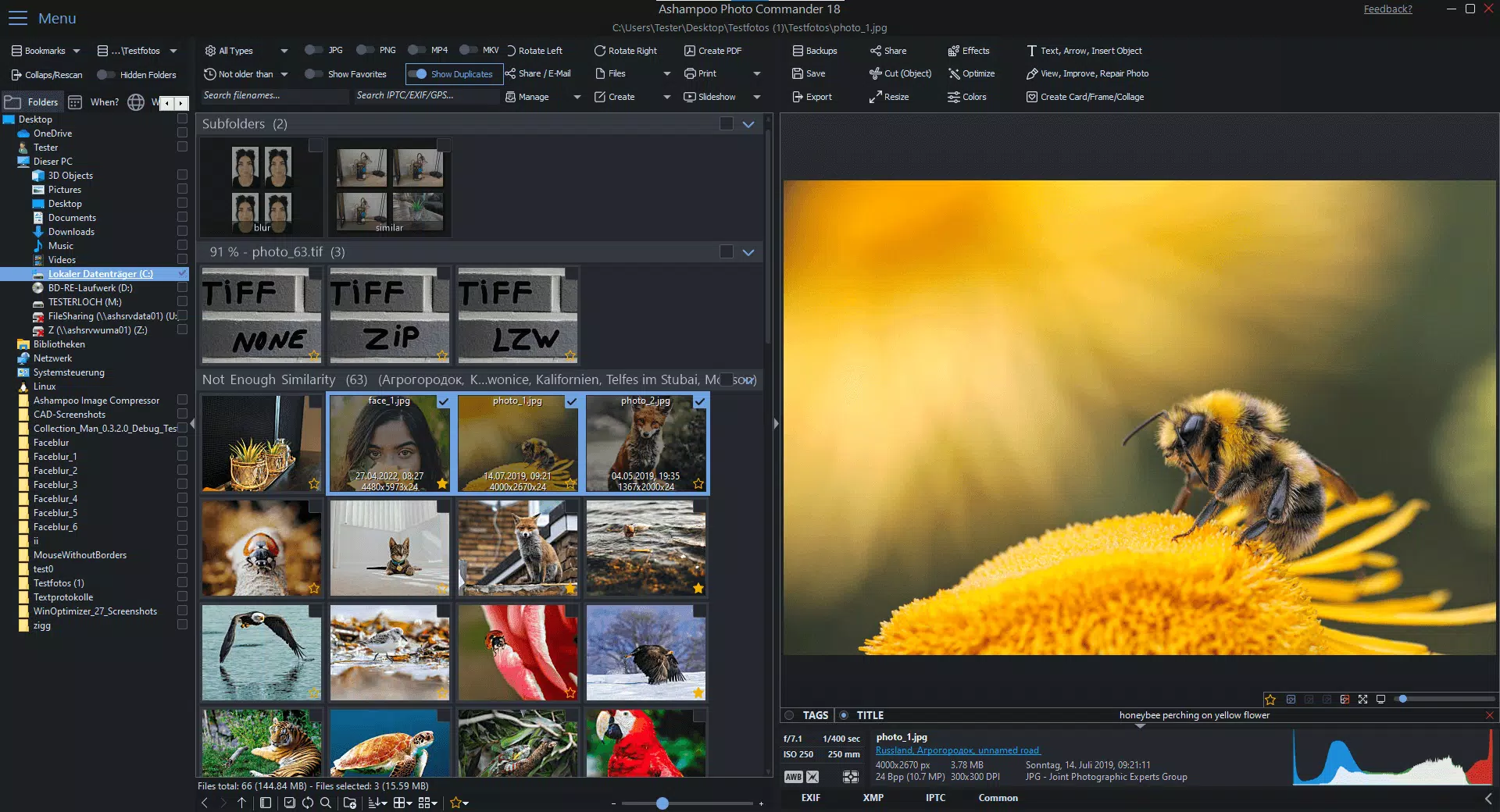
- Advanced Photo Management: Organize large photo libraries using intelligent filtering and grouping tools. Geotag support allows users to sort images by location and view them on an interactive map, making it easier to retrieve photos from specific trips or events.
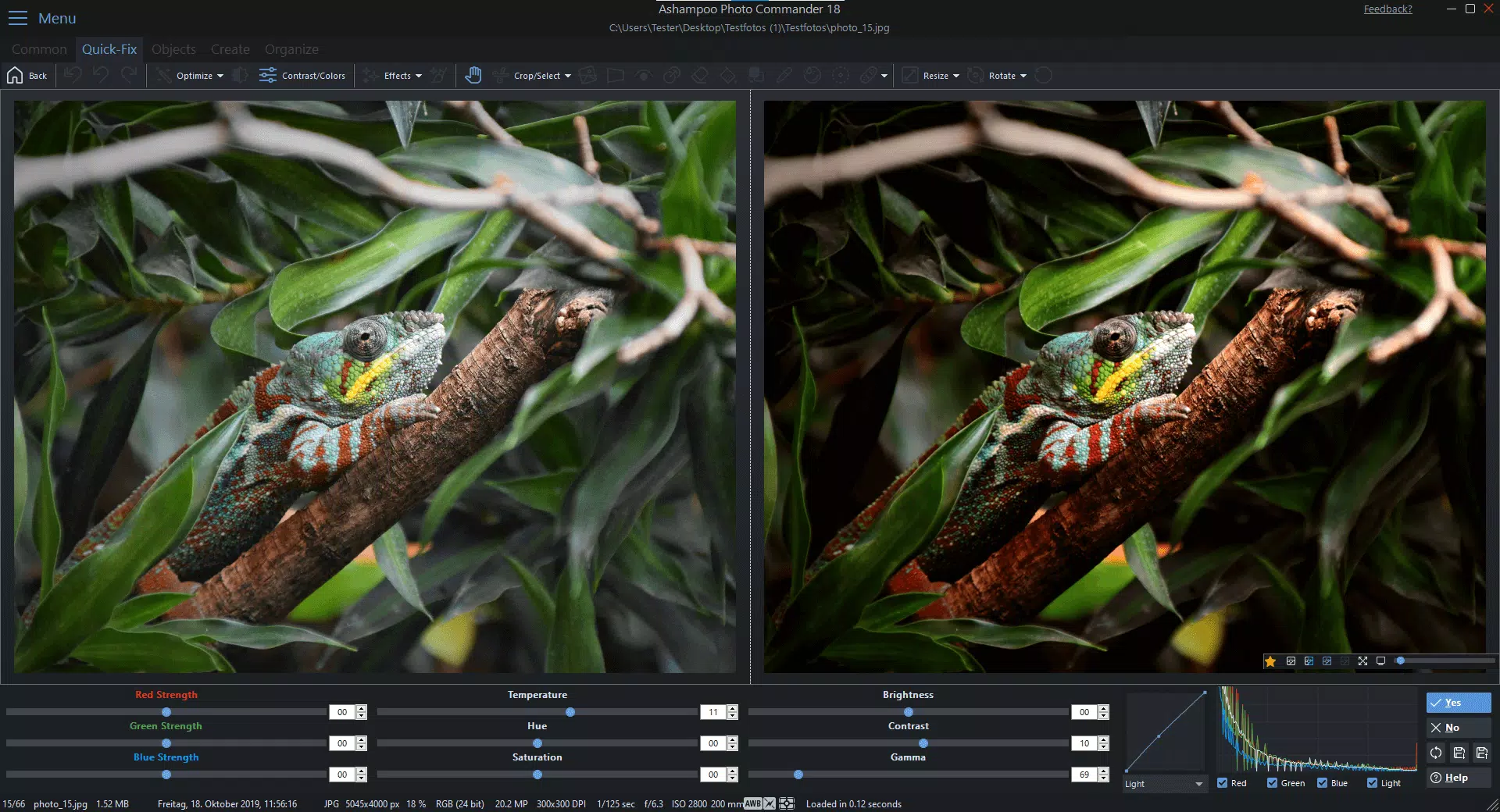
- Powerful Editing Tools: Restore faded or damaged images using built-in enhancement features. The software includes tools for red-eye correction, scratch removal, and digital noise reduction, enabling users to revive old or low-quality photos with minimal effort.
- Batch Processing Capability: Automate repetitive tasks by applying edits or conversions to multiple images at once. This is especially beneficial for users processing hundreds of photos after a photo shoot or event.
- Creative Project Templates: Design collages, calendars, and greeting cards using a wide range of customizable templates and frames. This feature lowers the barrier to entry for users who want to create personalized gifts without advanced design skills.
- Dynamic Slideshow Creation: Generate engaging presentations with background music, smooth transitions, and customizable layouts. Ideal for sharing memories at family gatherings or special occasions, the slideshow feature enhances the emotional impact of visual content.
Each feature is designed to serve practical needs. For example, a user preparing a travel album can use geotags to group photos by city, apply batch enhancements to improve lighting, and then compile them into a slideshow with music. Similarly, someone restoring old family photos can use the restoration tools to remove blemishes and improve clarity. These real-world applications highlight the software’s versatility and value in everyday digital life.
Interface, UX & Performance
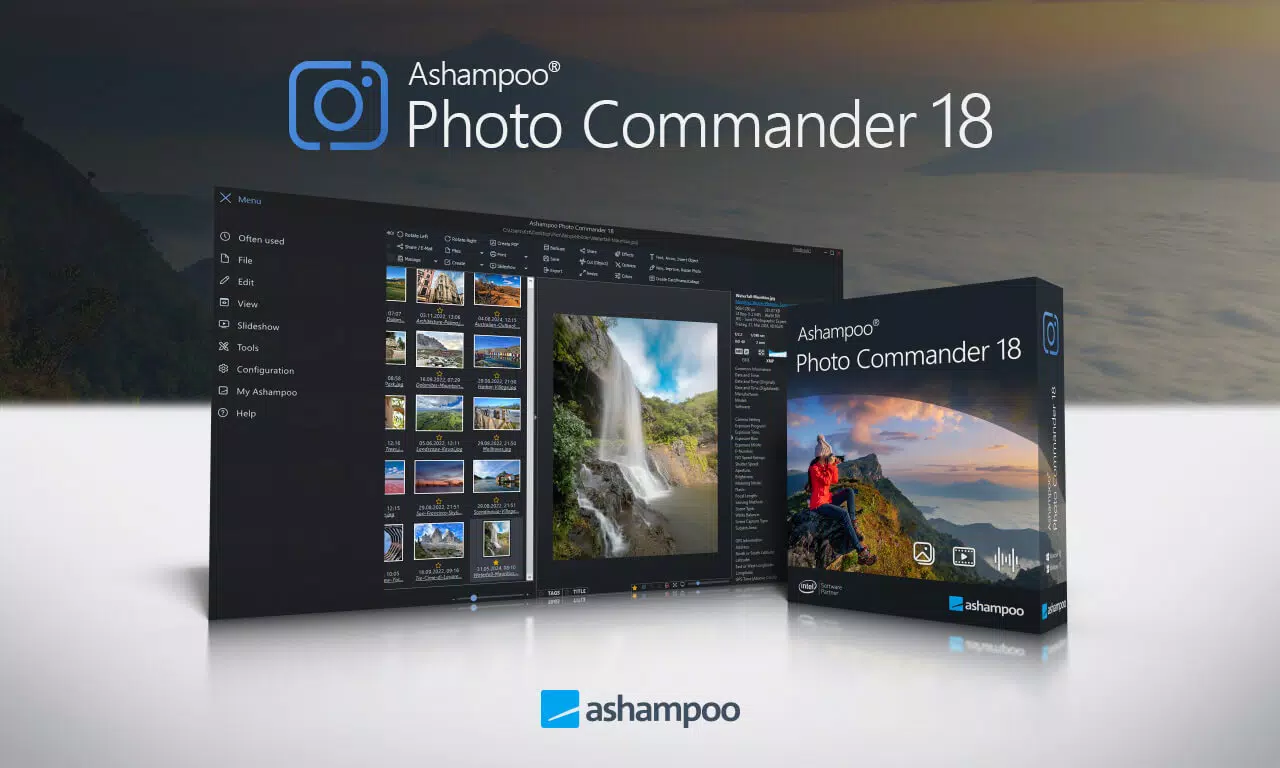
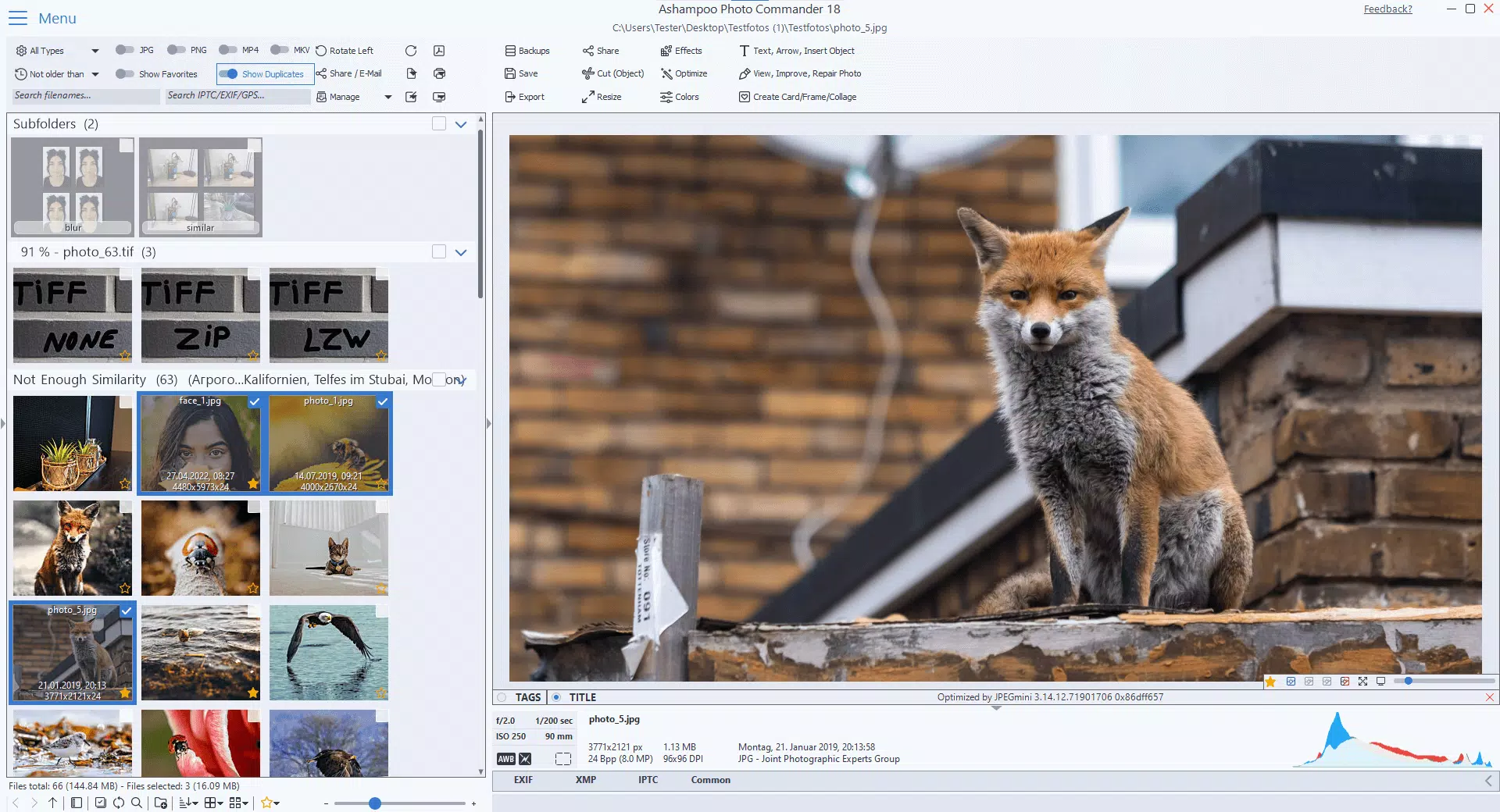
Ashampoo Photo Commander 18 features a clean, modern interface with a well-structured layout that prioritizes accessibility. The main dashboard provides quick access to core functions such as photo browsing, editing, and project creation. Navigation is intuitive, with clearly labeled menus and toolbars that minimize the learning curve for new users. Visual design elements are consistent and uncluttered, reducing cognitive load during extended use.
Performance is optimized for responsiveness across different device categories. Although the developer did not list formal performance metrics, the software is reported to handle large image files efficiently, including 4K content. The interface remains stable during complex operations such as batch processing and slideshow rendering. Users can expect smooth transitions between modes and minimal lag when working with extensive photo libraries.
Stability is maintained even during prolonged sessions, with no reported crashes or freezes in standard usage scenarios. The software manages memory usage effectively, preventing slowdowns when multiple features are active. While specific hardware requirements were not disclosed, the application appears to be designed for modern Windows systems with sufficient RAM and GPU capabilities. Overall, the user experience is polished and reliable, aligning with professional standards for photo editing software.
Platform Compatibility & Technical Requirements
Ashampoo Photo Commander 18 is designed exclusively for the Windows platform. It runs on Windows operating systems, though specific version details were not listed by the developer. The software has a file size of 247 MB, indicating a lightweight installation relative to other photo editing suites. This size suggests efficient resource utilization and quick download times for users with limited bandwidth.
Although the developer did not specify minimum OS requirements, the software is compatible with modern Windows environments. Users should ensure their system meets general standards for running graphical applications, including adequate RAM and a supported graphics driver. The absence of mobile or cross-platform availability means the app is intended solely for desktop use. For users seeking a Windows-based solution for photo management and editing, this limitation is consistent with the product’s target audience.
Pros and Cons
Pros
- Comprehensive photo management with geotag support and advanced filtering
- Powerful editing tools for restoration and enhancement of old or damaged images
- Efficient batch processing for handling multiple photos simultaneously
- Wide selection of templates for collages, calendars, and greeting cards
- Smooth slideshow creation with music and transitions
- Optimized performance for 4K image handling
- Intuitive interface suitable for both beginners and experienced users
Cons
- Available only on Windows, limiting cross-platform access
- Specific system requirements were not disclosed
- No mobile or web version currently available
- Price point may be high for casual users
- Requires installation on a desktop system
FAQ
Is Ashampoo Photo Commander 18 available for mobile devices?
As of now, the software is only available for Windows and does not support mobile platforms such as Android or iOS.
Can I use Ashampoo Photo Commander 18 to restore old photographs?
Yes, the software includes tools for removing scratches, reducing digital noise, and correcting color fading, making it suitable for restoring damaged or aged photos.
Does the app support batch editing of images?
Yes, Ashampoo Photo Commander 18 features a built-in batch processing function that allows users to apply the same edits or conversions to multiple images at once.
Is the software compatible with 4K images?
Yes, the software supports 4K resolution for both viewing and presentation, ensuring high-quality output for modern displays.
How often is Ashampoo Photo Commander 18 updated?
While the developer has not specified update frequency, the software is regularly maintained with new features and performance improvements.
Final Thoughts + CTA
Ashampoo Photo Commander 18 stands out as a robust, feature-rich solution for anyone serious about managing and enhancing their photo collections. Its combination of advanced organization tools, powerful editing capabilities, and creative project features makes it a versatile utility for both personal and occasional professional use. The software excels in areas like geotagging, batch processing, and slideshow creation—features that significantly reduce time and effort in photo workflows.
While its Windows-only availability and price point may deter some users, those invested in a desktop-based photo management system will find substantial value in its performance and functionality. The intuitive interface ensures a smooth experience, and the inclusion of 4K support reflects a forward-thinking approach to modern visual content.
For users who want a complete, all-in-one photo tool that goes beyond basic editing, Ashampoo Photo Commander 18 delivers on its promise. Whether you're restoring old memories, organizing a travel album, or creating personalized gifts, this software provides the tools needed to do so with confidence.
Download Ashampoo Photo Commander 18 now


